Conky Ironman
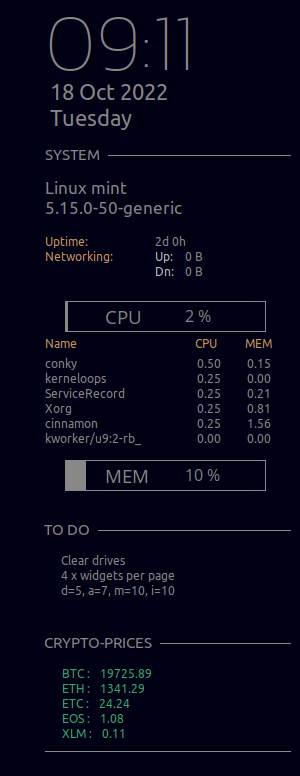
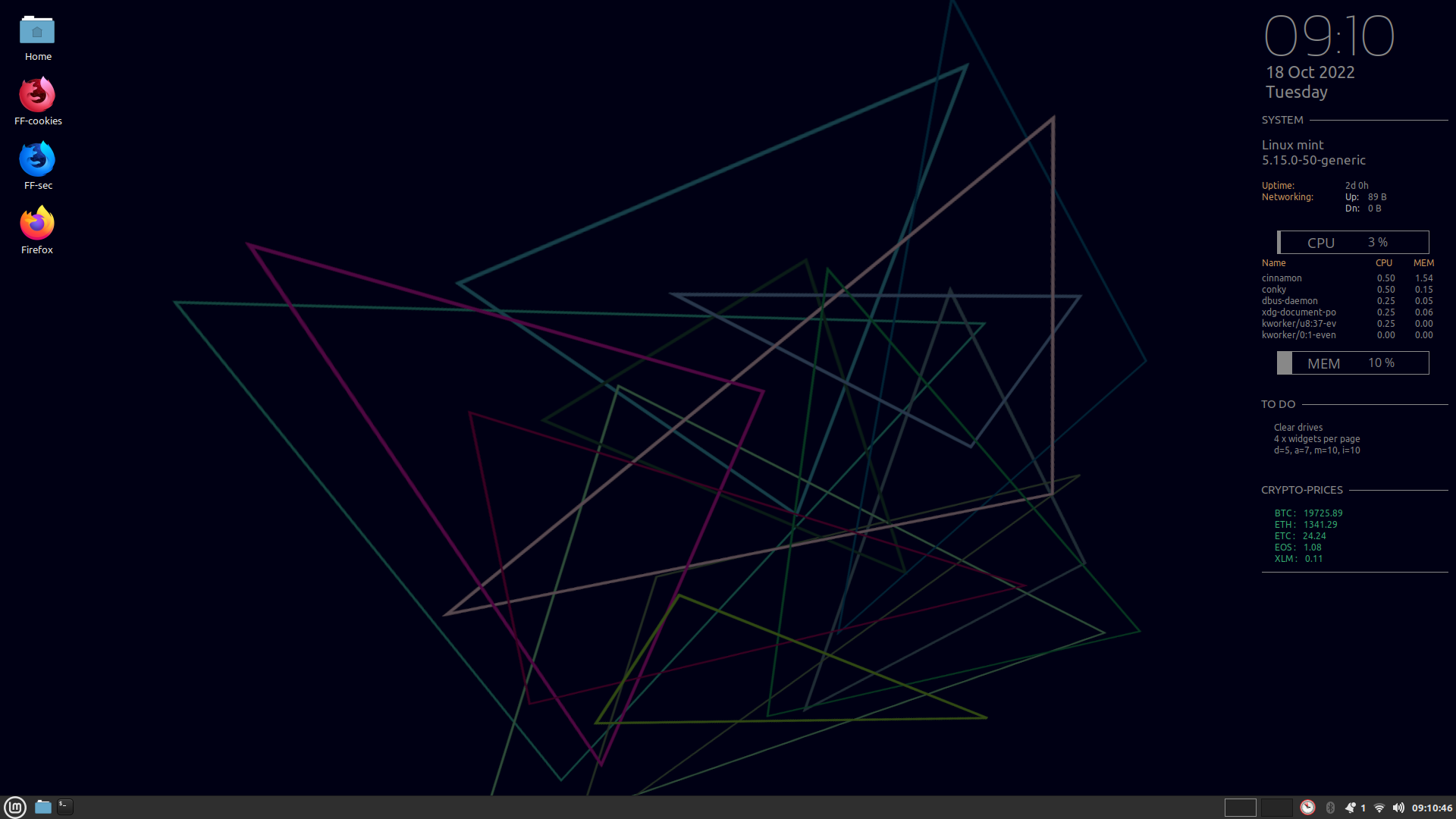
A beautiful Conky desktop theme which displays date, time, system info, live crypto prices and a to-do list.
Requirements
- Conky Ironman requires Conky version 1.0+
- Fonts: Ubuntu, OpenSans, Kanit Thin (included)
NOTE: Check if Ubuntu and OpenSans are already installed on your system. If present, delete them from the Conky Ironman "fonts" directory.
ALSO NOTE: This theme is scaled to a monitor with resolution 1920x1080. You may need to adjust the alignment to your own resolution and taste.
Installation
Clone the repository.
- Copy the directory conky to /opt:
sudo cp -r conky /opt
- Copy the directory to-do to ~/Documents:
cp -r to-do ~/Documents
- Copy the directory fonts to /usr/share/fonts:
sudo cp -r fonts /usr/share/fonts
- Update the font cache:
sudo fc-cache -fv
-
Set Conky Ironman to run at startup.
There are various ways to do this. Some desktop environments allow startup applications and scripts to be set via a system configuration or tweaks menu. The universal method of using
cronwill make sense to everyone.To add a
@rebootcron task:- Run the command
crontab -eto edit your cron - Add a
@rebootdirective, assuming Conky Ironman is in /opt:
- Run the command
@reboot /opt/conky/conky-startup.sh
- Reboot your machine.
Licence
This project is made available under a GPL3 licence -- see COPYING for the full text.